Amazon / Customization / ROOSTER CROWING SOUNDS & RINGS
REVIEW
A free pack of rooster crows, mostly indistinguishable from each other.
Ivyboat Entertainment's Rooster Crowing Sounds & Rings does what its name says, no more and no less — a dozen barnyard alarm clips and ringtones, free, ad-supported, and slightly louder than your neighbours will tolerate.
BY THE APP COMRADE DESK · MAY 11, 2026 · 3 MIN READ

Rooster Crowing Sounds & Rings
IVYBOAT ENTERTAINMENT
OUR SCORE
6.0
AMAZON
★ 5.0
PRICE
Free
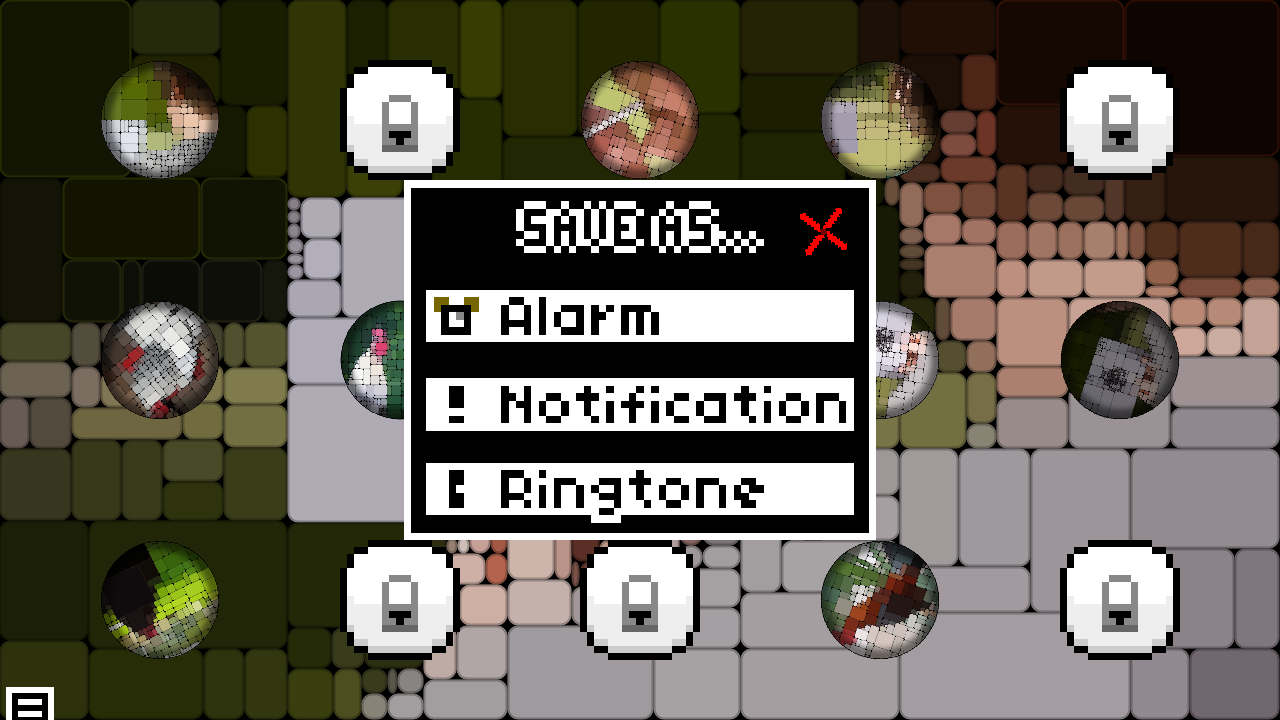
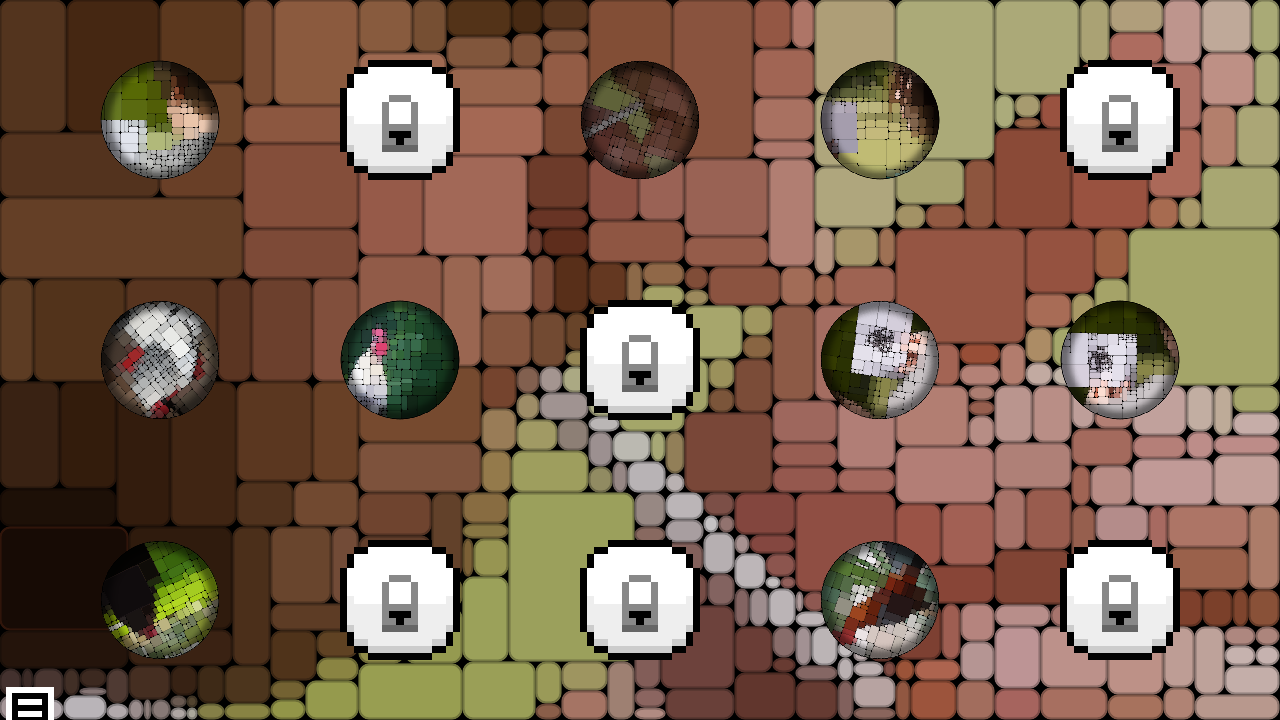
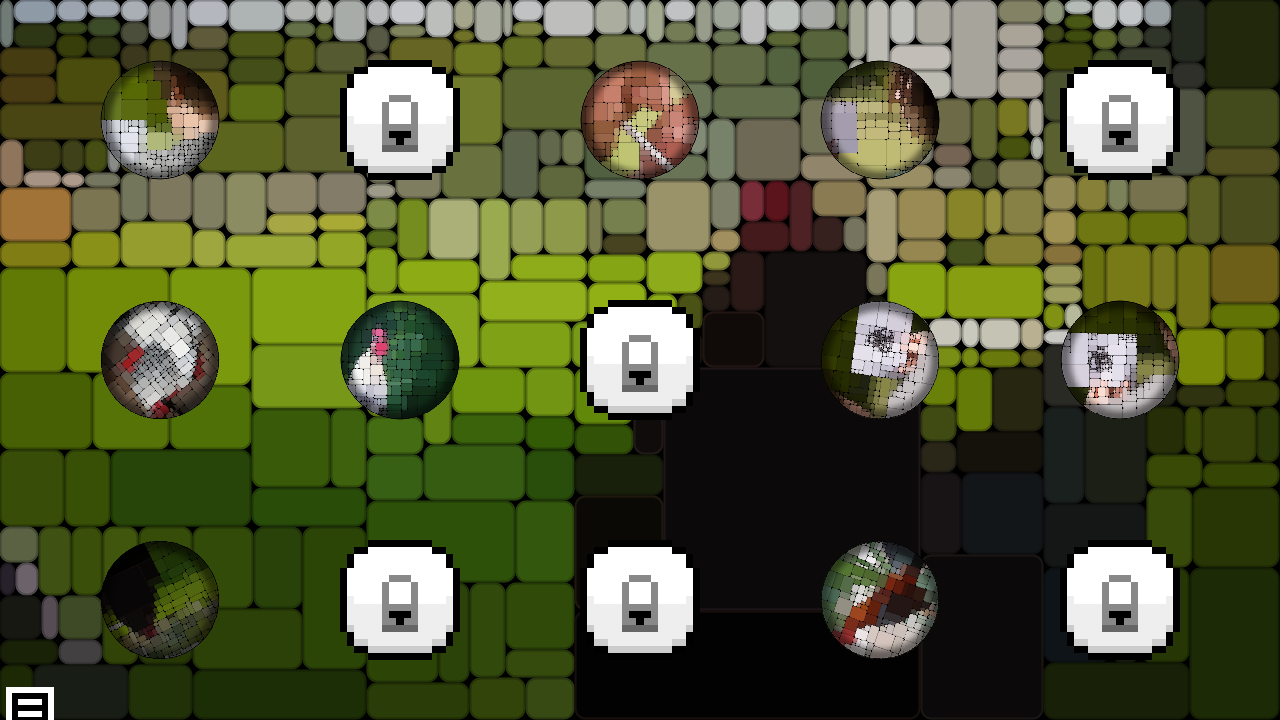
The Amazon Appstore’s Customization shelf is built on apps exactly like this one. A focused sound pack, a static grid, a long-press to set as ringtone, a banner ad at the bottom of the screen. Rooster Crowing Sounds & Rings has been sitting in that shelf since 2015 and has not meaningfully changed in the years since.
It is a folder of rooster clips with a tone picker stapled on, and at zero dollars that is exactly what it promises. The single-crow recording is clean, the long-press handoff to Fire OS works, and nothing about the experience pretends to be more than it is.
Whether you want it depends entirely on whether you want a rooster crowing at you at 6 a.m. Everything else about the app is secondary.
It is a folder of rooster clips with a tone picker stapled on, and at zero dollars that is exactly what it promises.
FEATURES
Rooster Crowing Sounds & Rings is a single-purpose sound pack. The grid presents roughly a dozen rooster recordings — a clean single crow, a longer multi-note crow, a distant farm crow with ambient sparrows, a few processed variants pitched up or slowed down for comic effect. Tap a tile to preview. Long-press to set as ringtone, notification, or alarm via Fire OS's standard system handoff.
There is no recording editor, no clip-trimming, no fade controls, no volume normalisation across the bank. A few of the clips peak hot enough that the same ringtone volume that worked for the previous tile will distort. The interface is a static grid with banner ads pinned at the bottom — the kind of layout Fire tablet shoppers will recognise from every other free sound pack on the Appstore.
The Customization category on Amazon's storefront is dense with apps like this. Ivyboat ships several near-identical packs covering different animals, vehicles, and weather sounds. The shell is shared; only the audio bank changes.
MISSION ACCOMPLISHED
The clips themselves are usable. The single-crow recording is clean enough to function as an alarm tone without sounding like phone-speaker static, which is more than can be said for some of the free pack competitors that lean on compressed YouTube rips. Setting a sound as ringtone or alarm completes in two taps after the Fire OS permission prompt, and the chosen tone survives reboots — which sounds trivial until you've used a sound app that doesn't.
At free with one banner ad and no in-app purchases, the value proposition is honest. There is no nag screen, no premium tier locked behind a paywall, no subscription. You get what the icon shows.
ROOM TO IMPROVE
A dozen rooster clips with no editing tools is a thin app even by free-sound-pack standards. The variants blur together — three of them are functionally the same recording at different pitches, and the "comic" processed ones are unlistenable as actual alarms. A clip-trim slider, even a crude one, would let users carve a usable two-second loop out of the longer recordings instead of being stuck with the developer's edit.
The banner ads sit directly under the playback grid, which means accidental ad taps during preview are a real and frequent annoyance. There is also no way to favourite or reorder tiles, so finding your preferred crow means scrolling past the same eleven you didn't want every time.
CONCLUSION
This is a free utility, not a product. If you specifically want a rooster as your alarm or ringtone and you own a Fire tablet, it works, costs nothing, and will not haunt you with upsell prompts. Anyone hoping for sound editing, a deeper library, or genre variety should look at a general ringtone-maker app and source their own clip.