Amazon / Utilities / EPHEMERAL SCRATCHPAD
REVIEW
Ephemeral ScratchPad is a notes app that forgets on purpose.
A tiny Fire-tablet utility built on a single conviction — that most of what you type is worth typing once and then losing — and it commits to that conviction harder than most apps commit to anything.
BY THE APP COMRADE DESK · MAY 10, 2026 · 3 MIN READ
Ephemeral ScratchPad
DH PROGRAMMING
OUR SCORE
6.8
AMAZON
★ 5.0
PRICE
Free
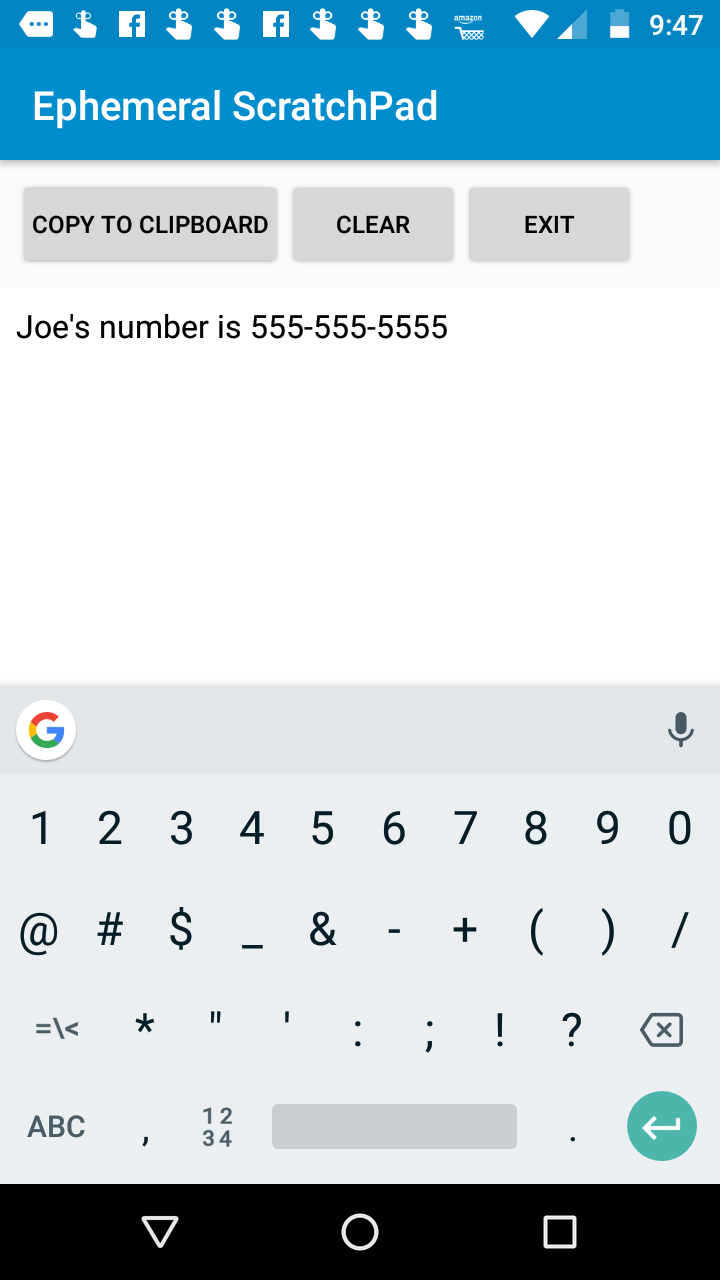
Most utilities on the Amazon Appstore are trying to be something larger than they are. Ephemeral ScratchPad is doing the opposite — it is a notes app that has decided, as a design principle, not to remember. You open it, you type, you close it, the text is gone. That is the feature.
It sounds like a limitation and on a different platform it would be one. On a Fire tablet on the kitchen counter, where the device’s job is usually one quick thing before the screen goes dark again, the absence of a save flow is the point. There is no library, no untitled-note-47, no buried draft from 2022. The app starts blank every time because the previous session no longer exists.
What’s interesting is how rare that commitment is. Plenty of notes apps advertise “no account required” and then quietly store a JSON file you have to go hunting for. This one really does throw the text away, and the rest of the design — one screen, one font, one button — follows from that decision rather than fighting it.
It is a notebook that empties itself, and that is the entire product — no sync, no folders, no history to apologise for.
FEATURES
The premise is the whole app. You open Ephemeral ScratchPad on a Fire tablet, you get a blank text field, you type. Close the app — or in some configurations, hit a clear button — and the text is gone. There is no save dialogue, no autosave to a hidden folder, no cloud account, no export. The text exists in the buffer while the app is open and stops existing when it isn't.
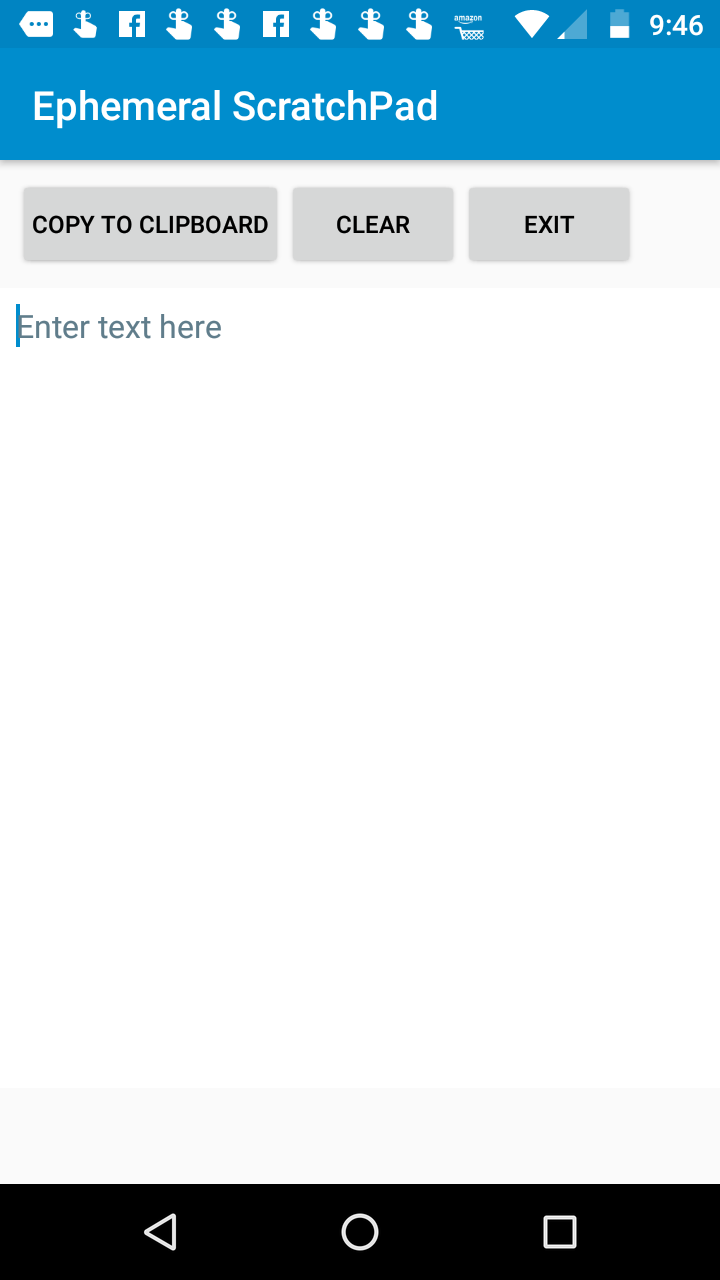
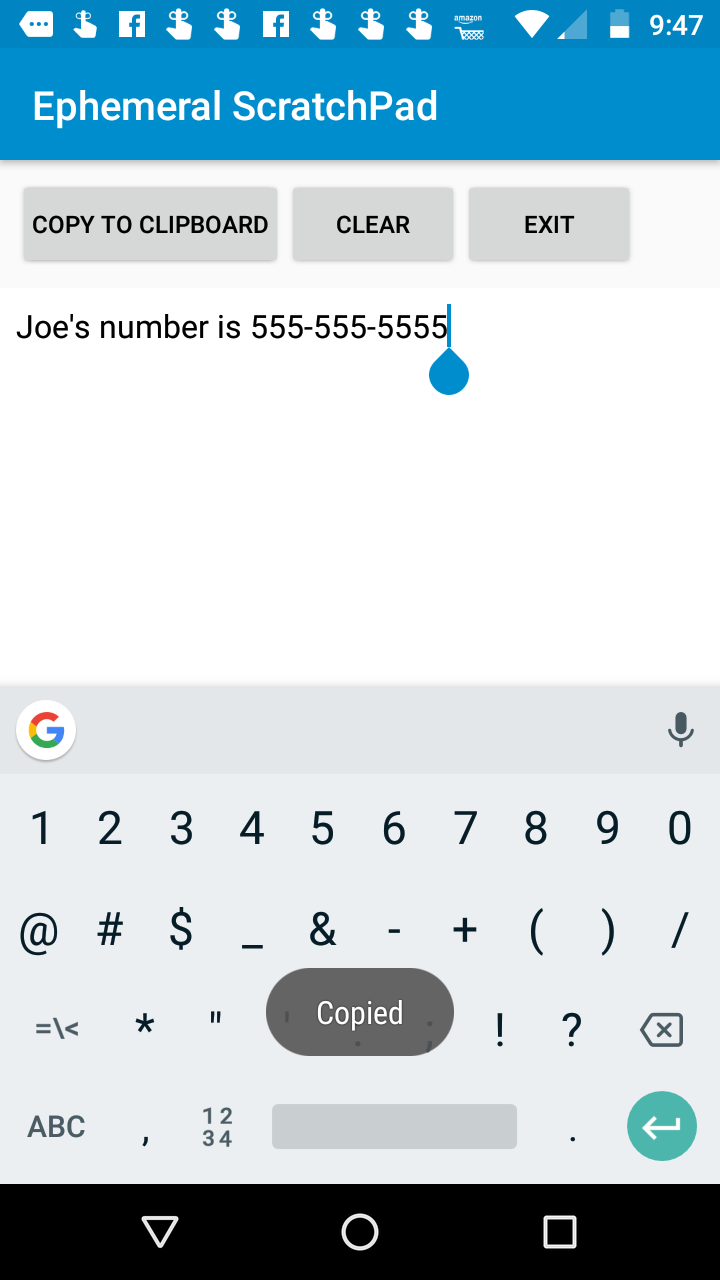
The interface is one screen. A blank canvas, a soft keyboard, and a small control row for clear / new. No formatting, no markdown, no folders, no search, no tags. The font is plain sans-serif, the background is plain, the chrome is minimal to the point of being absent. On a 7-inch Fire it looks like an unstyled <textarea>, which is fair because functionally that is what it is.
Listed price is free with no in-app purchases and no ads in evidence, which on the Amazon Appstore in 2026 is itself a small editorial statement.
MISSION ACCOMPLISHED
The discipline is the achievement. Most notes apps that promise lightness eventually grow folders, sync, accounts, and a settings screen with twenty toggles. Ephemeral ScratchPad has resisted every one of those gravitational pulls, and the result is an app that opens instantly and does not ask you to make any decisions before you start typing.
The privacy posture follows from the design rather than from a marketing claim. There is nothing to leak because there is nothing being kept. For drafting an angry message you don't intend to send, working out a phone number you'll dial in thirty seconds, or thinking on paper without leaving a trail, that's the right shape for the job.
ROOM TO IMPROVE
The flip side of the conviction is that one accidental tap can wipe a thought you actually wanted. There is no undo of any consequence, no "are you sure", no recently-cleared buffer. If the entire pitch is that the app forgets, then "the app forgot something I needed" is not technically a bug — but in practice it bites, and a 10-second grace window or a single-level undo would cost nothing.
The app also hasn't been meaningfully updated in years. The Fire-tablet UI conventions have moved on, the on-screen keyboard handling could be more careful about landscape and split-view, and basic affordances most users now expect — a character or word count, a one-tap font size — are absent. The "ephemeral" idea earns the install. The execution around the edges has not aged with the platform.
CONCLUSION
Install Ephemeral ScratchPad if you genuinely want a notebook that empties itself, and if you can live with the discipline that implies. Skip it if you think you'd talk yourself into keeping "just this one note" — the app will not help you. For its narrow purpose on a Fire tablet, it is the cleanest expression of that purpose in the store.